Last Updated: 9, June 2026
Updated Comparison Table: Best AI Note-Taking Apps At A Glance (2026)
| Rank | App | Best For | Transcript | Summarization | Flashcards | Free Tier | Paid Price |
|---|---|---|---|---|---|---|---|
| 1 | Otter AI | Live Lecture Recordings | Excellent | Good | No | 300 Min/Month | ~$8-17/mo |
| 2 | Notion AI | All-in-one Organisation | No | Excellent | Yes | Limited | Paid add-on |
| 3 | Google NotebookLM | Exam prep with course materials | No | Excellent | Yes | Fully Free | Free |
| 4 | Claude AI | Deep understanding and essays | No | Excellent | Yes | Generous | Free/Pro |
| 5 | Quizlet AI | Memorisation and exam practice | No | Good | Excellent | Good | Free/Plus |
| 6 | Mem AI | Automatic smart organisation | Limited | Good | Limited | Limited | Paid |
| 7 | Obsidian + AI Plugins | Privacy and full control | Via plugins | Good | Via plugins | Fully Free | Free (Sync ~$5/mo) |
| 8 | Microsoft OneNote + Copilot | Microsoft 365 ecosystem | No | Excellent | Yes | Via university | Microsoft 365 |
| 9 | Reflect AI | Thinking and essay development | No | Good | No | Trial only | Paid |
| 10 | Supernotes | Collaborative card-based notes | No | Good | Yes | Card limits | Free/Paid |
Best AI note-taking apps for students in 2026 have completely changed what it means to study effectively and the gap between students who use them well and students who do not is growing every semester.
Note-taking sounds simple until you actually think about what it demands. You have to follow what is being said, identify what matters, translate it into written form fast enough to keep up, and produce something coherent enough to be useful days or weeks later. That is a genuinely difficult set of tasks happening simultaneously, and most students still do it with nothing more than a blank document and the hope that caffeine will fill the gaps.
AI note-taking apps change this equation significantly. The best ones handle capture automatically so you can focus on understanding. They organise information so you do not have to. They summarise what matters so revision takes minutes instead of hours. And they help you do more with the notes you already have rather than requiring you to start from scratch every time you sit down to study.
This guide covers the ten apps that actually deliver on those promises in 2026 what each one does, who it is best suited for, and how to get the most out of it without letting the tools do your thinking for you.
What Makes an AI Note-Taking App Worth Using
Before jumping into the list it is worth being clear about what separates a genuinely useful AI note-taking app from one that sounds impressive but does not change how you actually study.
The best AI note-taking apps do at least one of three things exceptionally well. They capture information faster and more completely than you could manually which means recording and transcribing lectures, meetings, or study sessions automatically. They organise information more intelligently than a basic document which means tagging, linking, and structuring notes in ways that make them findable and useful rather than just stored. Or they help you do more with information you already have which means summarising, generating practice questions, identifying key concepts, and turning raw notes into usable study material.
10 Best AI Tools for Students in 2026 (Free and Paid Options)
A tool that does one of those things reliably is worth your time. A tool that tries to do all three and does none of them well is not. Every app on this list has a clear primary strength and a clear use case which makes it much easier to choose the right one for your specific situation.
1. Otter AI — Best for Recording and Transcribing Lectures
Otter AI is the most directly useful AI note-taking tool for students who sit through lectures, seminars, group discussions, or any situation where important information is being spoken rather than written.
The core function is straightforward Otter records audio and produces a written transcript in real time. What makes it genuinely useful rather than just technically capable is the quality of that transcription and the features built around it. Transcripts are searchable by keyword, meaning you can find every moment a specific term was mentioned across an hour-long lecture without reading the whole thing. Speakers are identified separately so you can distinguish between a lecturer and students asking questions. Key sections can be highlighted and annotated directly within the transcript.
The practical workflow change for students is significant. Instead of trying to write everything down while also trying to follow the logic of what is being explained, you can focus entirely on understanding letting Otter handle the capture while your attention goes to comprehension. The transcript is there when you need it, searchable and complete, without the gaps and illegible sections that manual note-taking always produces under time pressure.
The AI summary feature generates a condensed version of the key points from any recording automatically. For a two-hour lecture, that summary can tell you in five minutes whether you need to go back and review a specific section or whether your understanding from the session was complete.
The free tier allows a set number of transcription minutes per month which is sufficient for lighter use. Students who attend multiple lectures weekly will find the limits restrictive and may benefit from the paid plan.
Best for: Lecture transcription, seminar recording, group discussions, interview capture
Free tier: Yes, with monthly minute limits
Worth upgrading: Yes for students with heavy lecture schedules
2. Notion AI — Best for Organising Everything in One Place
If the problem is not capturing information but organising it notes scattered across multiple apps, documents that cannot be found when needed, subjects that bleed into each other with no clear structure Notion AI addresses the organisational side of student note-taking better than any other tool on this list.
Notion itself is one of the most flexible organisation tools available. It functions as a combined notebook, database, planner, and wiki that can be structured however makes sense for your specific courses and working style. The AI layer built on top of it makes the information you store there significantly more useful by letting you interact with it intelligently rather than just searching through it manually.
The most useful AI feature for students is the summarisation capability. After a study session, you can paste your rough notes into a Notion page and ask Notion AI to extract the key concepts, identify the most important points, and produce a clean summary you can review later. What was a messy collection of half-sentences and abbreviations becomes a structured set of notes in minutes.
Notion AI also generates practice questions from your notes automatically which is one of the most underused study techniques available. Asking an AI to generate ten questions based on a chapter’s worth of notes and then testing yourself against those questions is significantly more effective for retention than re-reading the same material, and Notion AI makes that process fast enough that you will actually do it rather than planning to and never getting around to it.
The learning curve is the honest limitation. Notion takes time to get comfortable with, and trying to learn a new organisation system during a busy academic term can feel overwhelming. The advice for students starting with Notion is to keep it simple initially one page per subject, one section for lecture notes, one for readings, one for assignments and add complexity only as the basic structure feels natural.
Best for: Course organisation, study guide creation, practice question generation, long-term knowledge management
Free tier: Yes, Notion AI is a paid add-on
Worth the cost: Yes for students managing multiple subjects
3. Google NotebookLM — Best for Deep Study With Your Own Course Materials
Google NotebookLM is one of the most interesting tools to emerge in the AI study space and one that solves a specific problem that other note-taking apps do not address the gap between having a collection of study materials and actually being able to use them effectively.
The key difference between NotebookLM and every other tool on this list is that it works exclusively from the sources you upload to it. It does not draw on general training data or give you information from outside your documents. When you ask it a question, it answers based only on what is in your uploaded materials your lecture notes, your textbook chapters, your past papers, your reading list articles.
For students this grounding in specific course materials makes NotebookLM more useful for actual exam preparation than tools that answer from general knowledge. Ask it to explain a concept from your uploaded lecture notes and the answer is based on how your specific lecturer presented that concept which is what your exam is going to test, not a generalised version of the topic from across the internet.
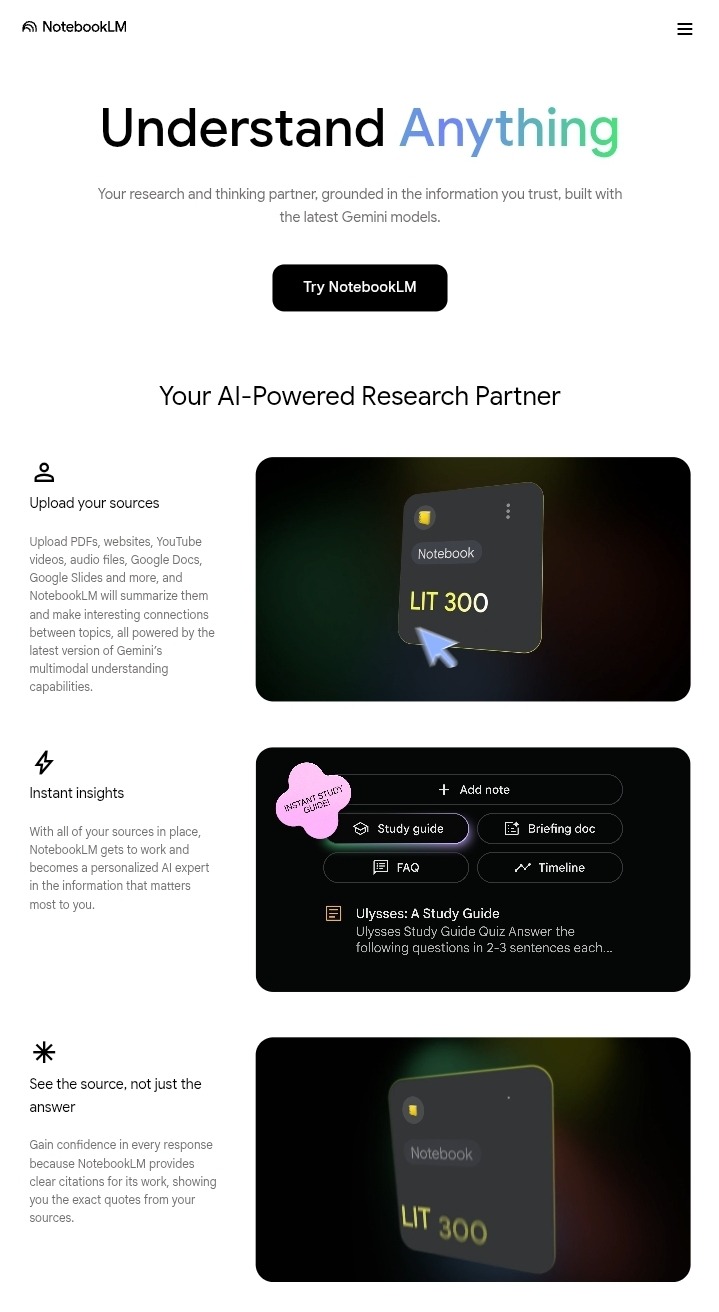
The workflow is straightforward. Before an exam, gather your key materials lecture slides, notes, readings, past papers and upload them to a NotebookLM workspace. You can then have a conversation with your entire study collection. Ask it what the three most important themes in the module are based on what comes up repeatedly across your materials. Ask it to explain a concept you are struggling with using only examples from your uploaded notes. Ask it to generate practice questions based on the past papers you have uploaded combined with the topics covered in your lecture notes.
The combination of depth and specificity this enables is genuinely different from using a general AI assistant for studying, and for students facing complex exams on specific curricula, that specificity is the feature that matters most.
Best for: Exam preparation, deep study with specific course materials, working across multiple sources simultaneously
Free tier: Yes, currently free with a Google account
Worth upgrading: Not required currently
4. Claude AI — Best for Understanding Difficult Material and Developing Ideas
Claude AI is not a traditional note-taking app in the way that Otter or Notion are, but it earns a place on this list because of how powerfully it handles the part of note-taking that other tools miss entirely turning captured information into genuine understanding.
Capturing notes is the easy part. Understanding what they mean, connecting concepts across different lectures and readings, and developing ideas well enough to write about them clearly in an exam or essay those are the genuinely hard parts of student work, and they are where Claude delivers the most value.
The most practical use case is pasting your lecture notes or reading summaries into Claude and asking it to explain the parts you do not fully understand. Claude does not just restate what is in the notes it explains the underlying logic, makes connections to related concepts, uses analogies that make abstract ideas concrete, and answers follow-up questions in a way that builds understanding progressively rather than just adding more information to the pile.
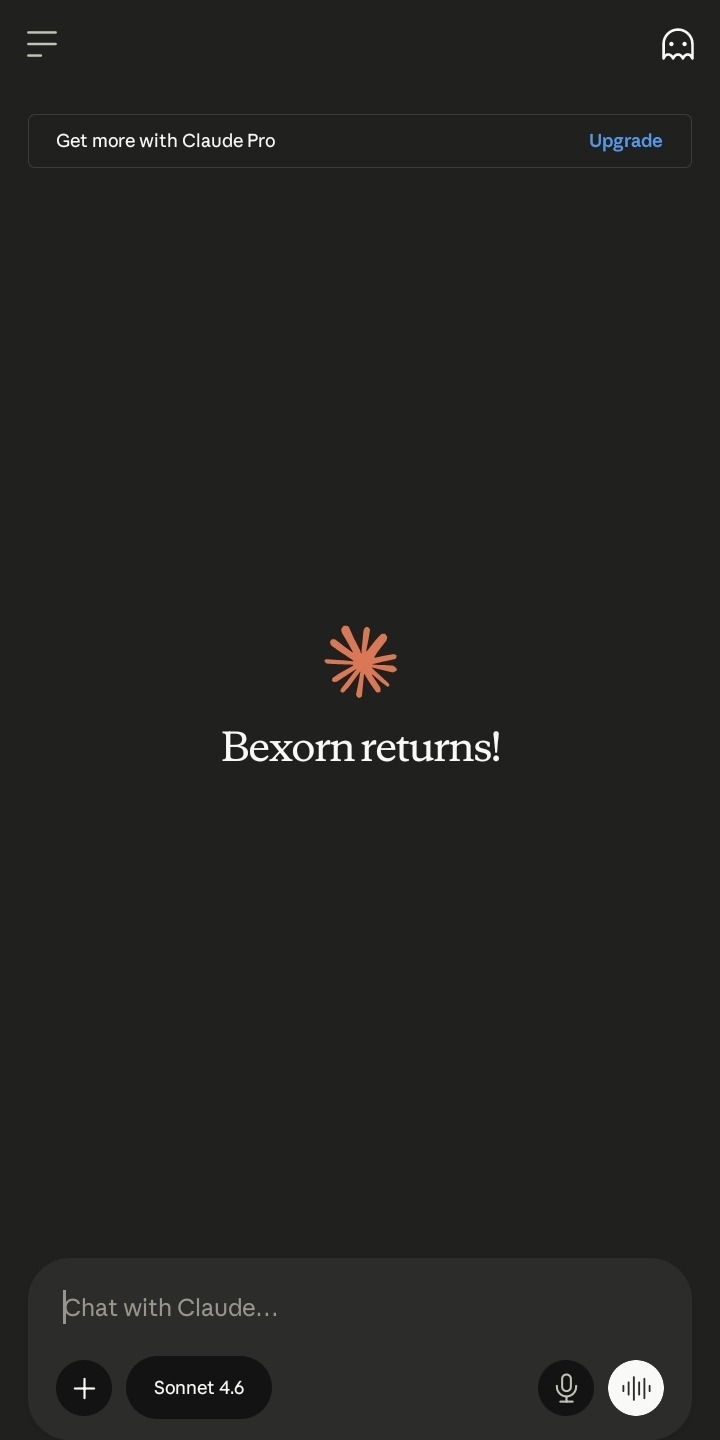
For essay and assignment writing, Claude helps you develop the ideas in your notes into coherent arguments. You can paste your rough notes on a topic and ask Claude to help you identify the strongest argument you could make, what evidence from your notes would support it, and what the main counterargument is that you would need to address. That thinking-through process is one of the most valuable things Claude does for students and it is genuinely difficult to replicate with any other tool.
How to Use Claude AI for Beginners: A Simple Step by Step Guide
For a complete guide to using Claude AI for studying and research, our How to Use Claude AI for Beginners article covers the full process step by step.
Best for: Understanding difficult concepts, developing essay arguments, connecting ideas across subjects, thinking through complex material
Free tier: Yes
Worth upgrading: Yes for heavy academic use
5. Quizlet AI — Best for Memorisation and Exam Preparation
Quizlet has been a student favourite for years and the AI features added to it have made it considerably more powerful for the specific challenge of memorisation which remains a genuine part of academic success regardless of how much emphasis is placed on understanding over rote learning.
The traditional Quizlet approach creating flashcard sets manually and testing yourself against them is still available and still effective. The AI layer makes it significantly faster to get to the testing stage by generating flashcard sets automatically from your notes or from text you paste in. Rather than spending an hour creating flashcards before you can start studying, you paste your notes and have a complete set ready in minutes.
The AI-generated explanations for wrong answers are the feature that most improves the learning value of Quizlet beyond basic flashcards. Getting a question wrong is only useful if you understand why you got it wrong and what the correct understanding should be. Quizlet AI provides that explanation automatically, which turns incorrect answers into learning moments rather than just scores to improve.
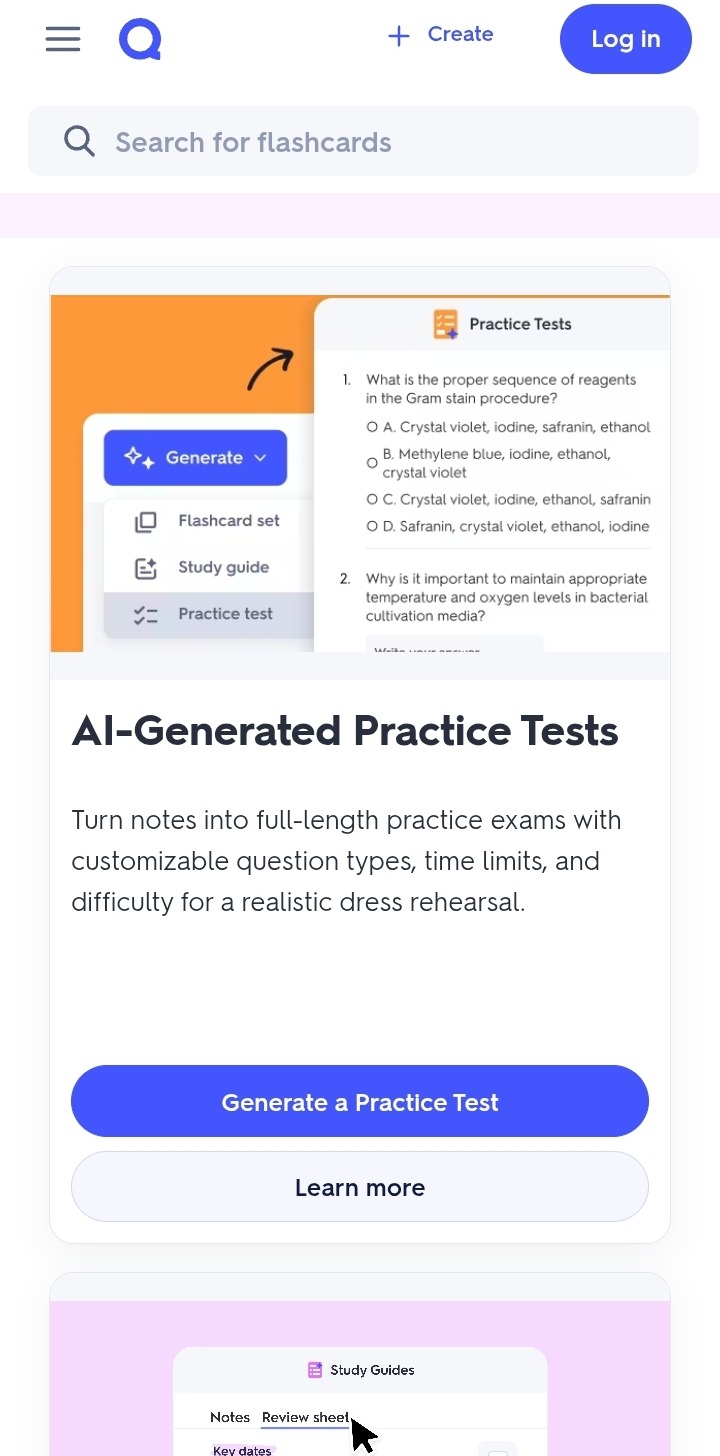
The Learn mode adapts to your performance showing you the cards you get wrong more frequently and reducing the frequency of cards you consistently get right. Combined with AI-generated content, this adaptive approach means you spend your study time on the material that most needs your attention rather than reviewing things you already know.
For subjects with significant memorisation requirements medicine, law, languages, history, science Quizlet AI is one of the highest-value study tools available and one of the most direct ways to turn your existing notes into exam-ready practice material.
Best for: Flashcard creation, memorisation, exam practice, spaced repetition learning
Free tier: Yes
Worth upgrading: Yes for full AI features and unlimited sets
6. Mem AI — Best for Automatically Organised Smart Notes
Mem AI takes a different approach to note-taking organisation than most tools on this list rather than requiring you to decide where to put things and how to structure your notes, it handles the organisation automatically using AI to identify connections, tag content, and surface relevant information when you need it.
The core idea behind Mem is that the friction of manual organisation stops people from capturing ideas at all. If putting a note in the right place requires thought and effort, you write fewer notes. If the system organises itself, you capture more freely and the AI does the sorting work in the background.
For students this matters most for the informal capturing that happens outside formal study sessions ideas that occur to you while reading, connections you notice between different subjects, questions that arise during a lecture that you want to follow up on. Mem makes capturing these micro-notes frictionless enough that you actually do it, and then makes them findable later when they become relevant.
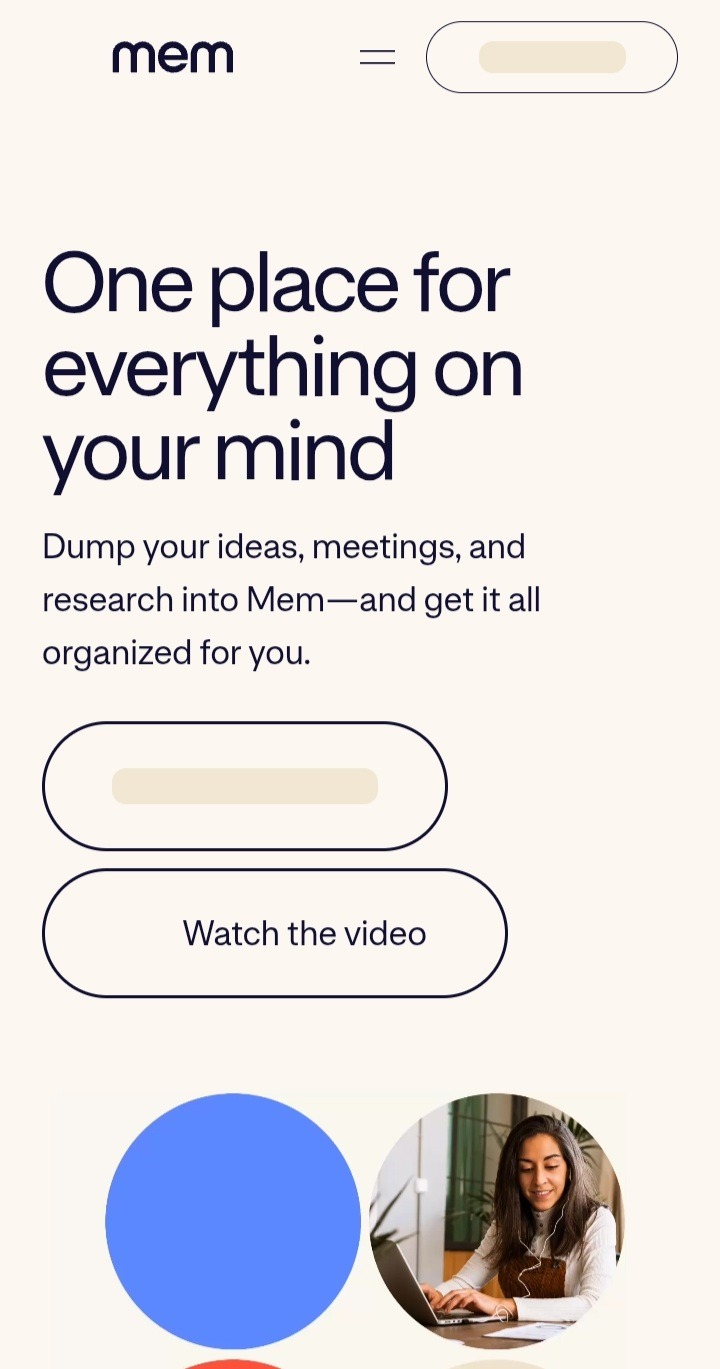
The AI assistant within Mem can search across everything you have captured and surface connections you might not have noticed yourself. Ask it what you have written about a specific concept and it pulls together everything relevant from across your entire note collection regardless of when you wrote it or where it ended up which is particularly useful for students working on dissertations or extended projects that develop over months.
Best for: Capturing ideas quickly, automatic organisation, connecting notes across subjects, long-term projects
Free tier: Yes with limits
Worth upgrading: Yes for serious long-term use
7. Obsidian with AI Plugins — Best for Advanced Students Who Want Full Control
Obsidian is different from every other tool on this list in one important way it stores all your notes as plain text files on your own device rather than on a company’s servers. For students who care about data ownership and privacy, or who want a note-taking system that will work regardless of whether any particular company stays in business or changes its pricing, that distinction matters.
The core Obsidian experience is a powerful linked note-taking system where every note can connect to any other note, creating a web of knowledge that mirrors how ideas actually relate to each other rather than forcing everything into a folder hierarchy. The graph view which visualises all your notes and their connections as a network gives you a genuinely useful picture of how your knowledge in a subject is developing over time.
The AI layer comes through community plugins rather than built-in features. Plugins like Smart Connections use AI to identify semantically related notes and surface connections you might have missed. Text Generator and similar plugins bring AI writing and summarisation capabilities into your note-taking workflow. The plugin ecosystem means Obsidian can be configured to work exactly the way you want it to rather than the way the developers decided it should work.
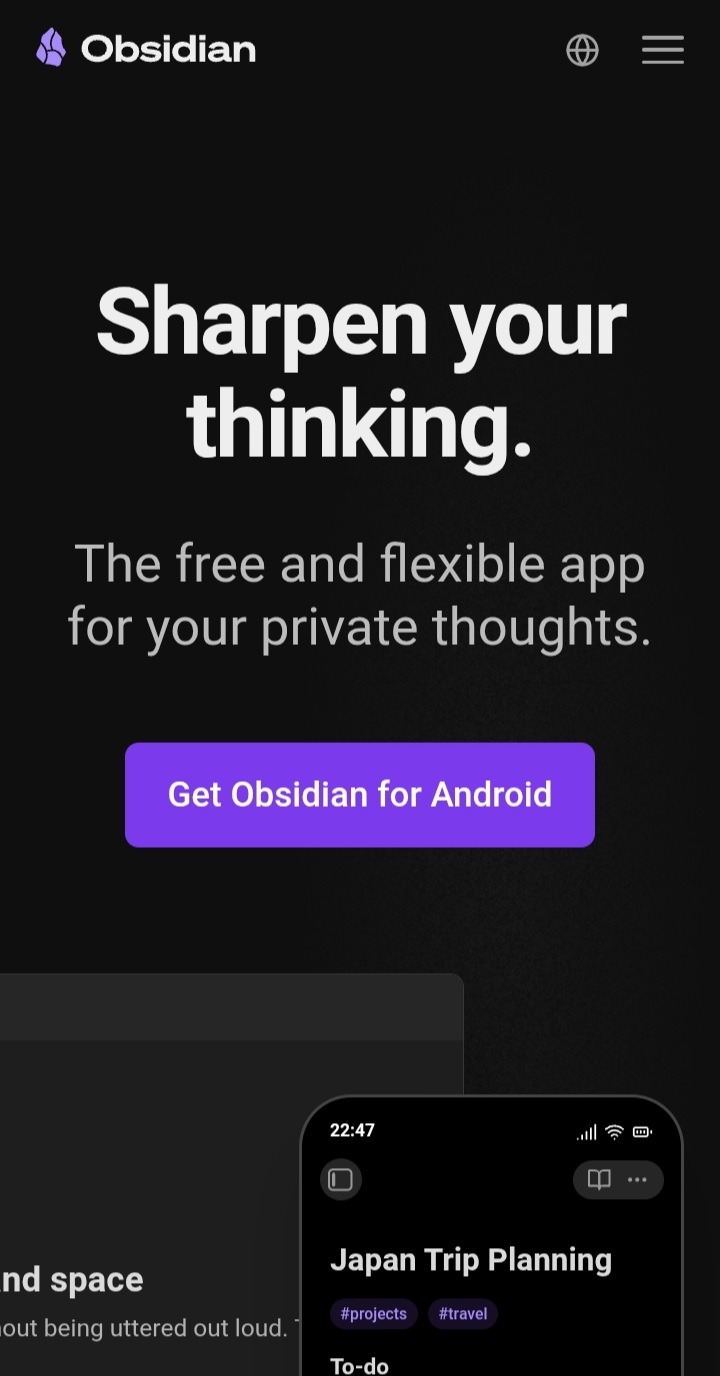
The honest limitation is the learning curve. Obsidian rewards investment the more you use it and the more connections you build, the more valuable your notes become. But getting to the point where it feels natural takes longer than simpler tools, and students who are already managing heavy academic workloads may find the setup time challenging. This is a tool for students who genuinely enjoy building their note-taking system and see it as an investment rather than those who want something that works out of the box.
Best for: Advanced students, privacy-conscious users, long-term knowledge building, students who want full customisation
Free tier: Yes, Obsidian is free for personal use
Worth upgrading: Sync and publish features require payment, core app is free
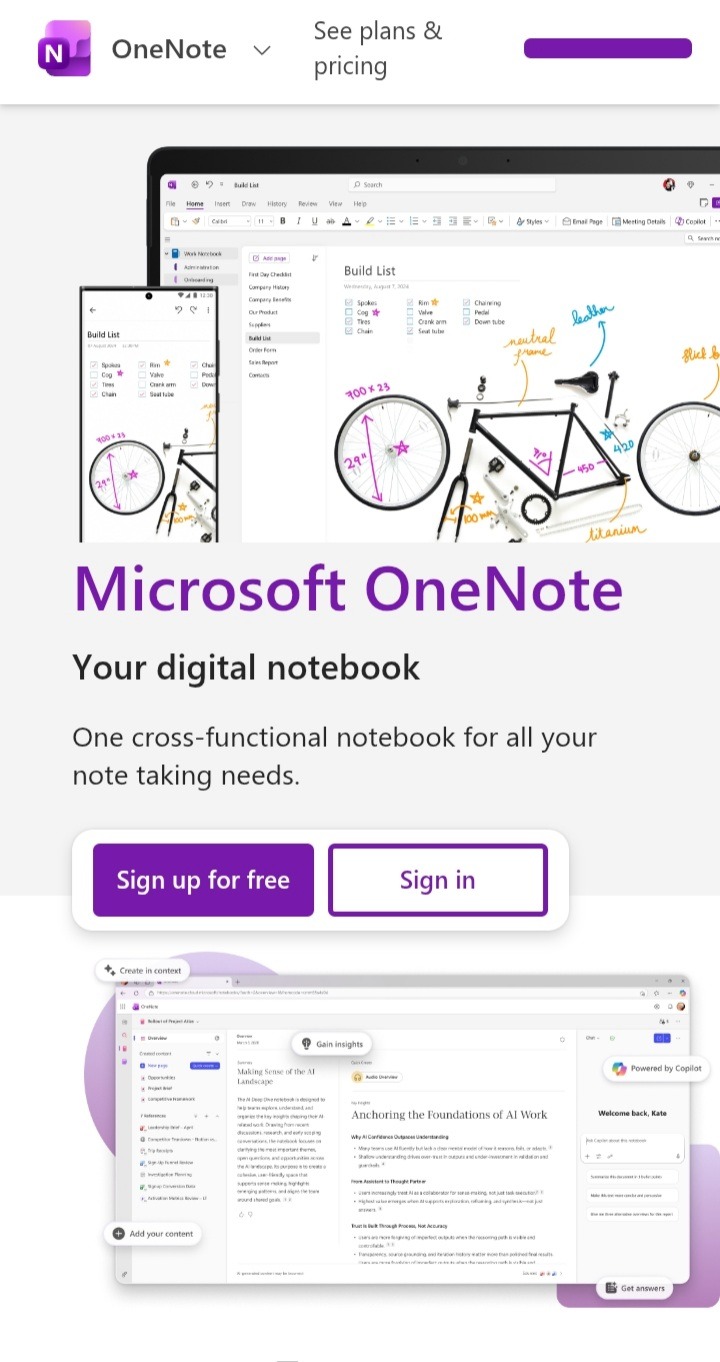
8. Microsoft OneNote with Copilot — Best for Students Already in the Microsoft Ecosystem
For students whose universities run on Microsoft 365 which covers the majority of higher education institutions globally OneNote with Copilot is the most frictionless AI note-taking upgrade available because it requires no new accounts, no new apps, and no new habits. It works inside software you are probably already using.
OneNote itself has been a student staple for years. It organises notes into notebooks, sections, and pages that mirror how academic life is actually structured one notebook per subject, one section per topic, pages for individual lectures or readings. The structure is intuitive enough that most students can set it up in minutes and start capturing notes immediately without a learning curve.
The Copilot layer added to OneNote transforms it from a passive storage tool into an active study assistant. You can highlight a section of lecture notes and ask Copilot to summarise the key points, generate practice questions based on the content, or explain a concept in simpler terms without leaving the app. For students preparing for exams, the ability to turn a semester’s worth of notes into a condensed revision guide in minutes is one of the most practically useful things any AI tool on this list can do.
The integration with Word, PowerPoint, and Teams means your notes connect directly to your other academic work. Notes from a lecture can feed directly into a Word essay draft. A summary generated from your OneNote pages can become a PowerPoint presentation structure. For group projects, Teams integration means shared notes stay in sync across everyone working on the same assignment.
The honest limitation is that Copilot in OneNote requires a Microsoft 365 subscription with Copilot access. Many universities provide this free to students check your institution’s software portal before paying for anything.
Best for: Students in Microsoft 365 environments, group projects, connecting notes to essays and presentations
Free tier: Via university Microsoft 365 licences in many cases
Worth upgrading: Check your university first you may already have access
9. Reflect AI — Best for Thinking Through Ideas as You Write
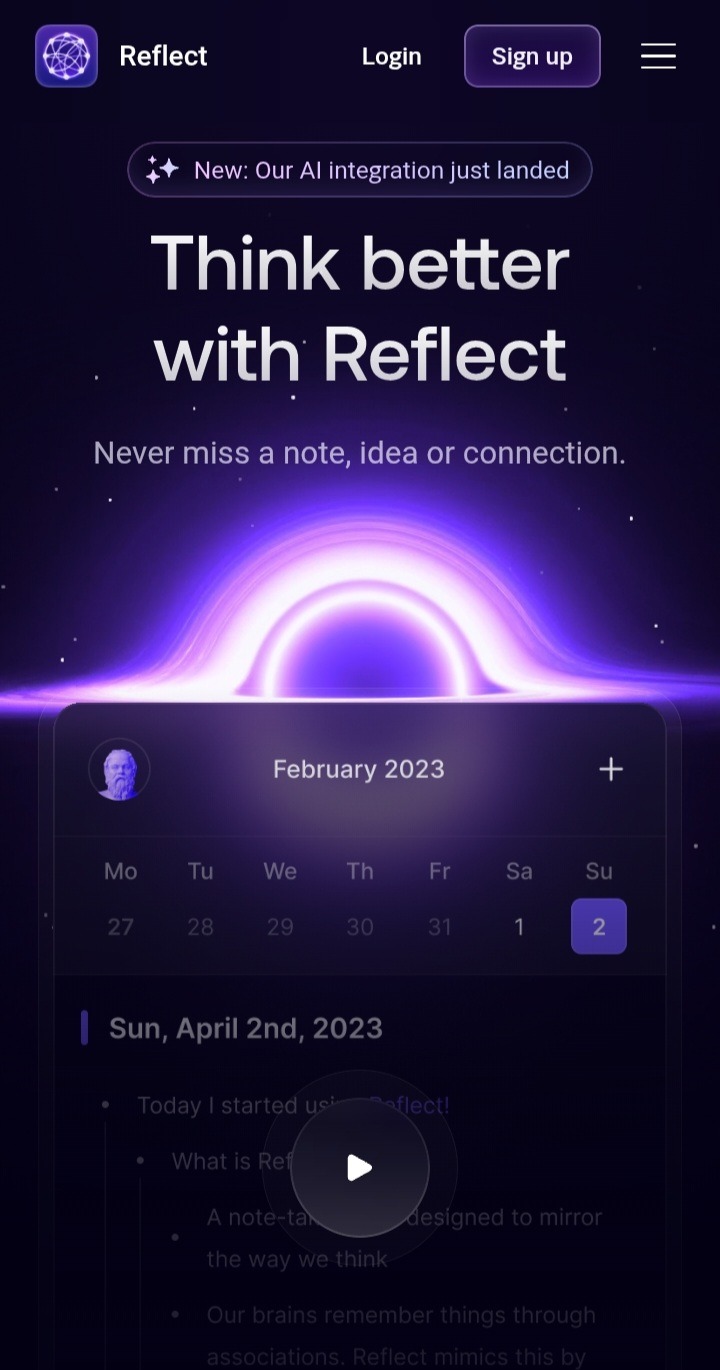
Reflect takes a different philosophy to note-taking than most tools on this list. Where apps like Notion focus on organisation and Otter focuses on capture, Reflect is built around the idea that the act of writing notes should itself be a thinking process and that AI should make that thinking sharper in real time rather than just helping you manage what you have already written.
The interface is intentionally minimal. There are no folders, no complex databases, no hierarchy to maintain. You open Reflect and you write. The AI sits alongside your writing and responds to what you are working through pushing back on ideas, asking clarifying questions, suggesting connections to other things you have written, and helping you develop half-formed thoughts into clearer positions.
For students working on essays, dissertations, or any assignment that requires developing an original argument, this is where Reflect earns its place. Most note-taking apps help you store and retrieve information. Reflect helps you think. The difference is significant when the actual challenge is not remembering what your lecturer said but working out what you actually think about it and how to articulate that clearly in written form.
The backlinking system automatically connects related notes across your entire collection. Write something in your philosophy notes that touches on a concept from your psychology module and Reflect surfaces that connection without you having to create it manually. Over a full academic year this builds into a genuinely useful web of ideas that makes revision and essay research significantly faster.
Best for: Essay development, dissertation research, thinking through complex arguments, connecting ideas across subjects
Free tier: Trial available, paid subscription required for full access
Worth upgrading: Yes for students with heavy writing workloads
10. Supernotes — Best for Fast, Collaborative Card-Based Notes
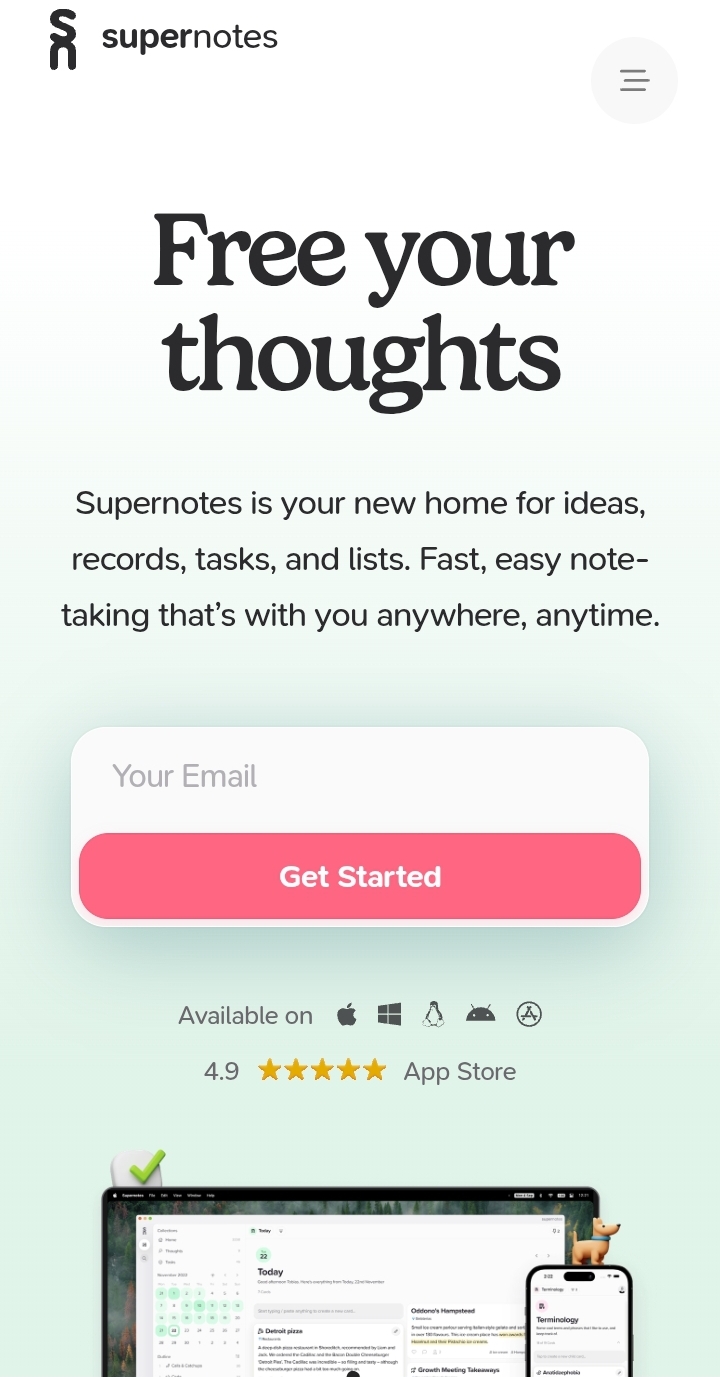
Supernotes is built on a single insight that most note-taking apps get wrong — long documents are hard to review, hard to share, and hard to actually use when you are studying. Supernotes replaces long pages with individual notecards, each containing one idea, one concept, or one piece of information. The result is a note collection that is genuinely scannable rather than just stored.
Each notecard is small enough to read in seconds, which means reviewing your notes before an exam feels manageable rather than overwhelming. Cards can be tagged, linked, and filtered so finding everything related to a specific topic takes seconds regardless of how many notes you have. The AI features generate card suggestions from content you paste in, identify gaps in your note collection, and help you connect cards that are related but stored separately.
The collaboration features make Supernotes genuinely useful for group study. Cards can be shared with specific people or published to a wider group, meaning study groups can build a shared knowledge base together rather than everyone duplicating the same notes independently. For courses where past students have shared their Supernotes decks publicly, you can import entire collections of pre-made cards as a starting point for your own revision.
The card-based format takes some adjustment if you are used to long-form notes, but most students find it becomes natural quickly and the forced brevity of keeping each card to a single idea turns out to improve understanding by requiring you to actually crystallise what each concept means rather than copy-pasting long explanations you only partially understand.
Best for: Concise note-taking, collaborative study groups, exam revision, students who find long documents hard to review
Free tier: Yes with card limits
Worth upgrading: Yes for unlimited cards and full collaboration features
How to Build Your AI Note-Taking Stack
The most effective approach for most students is combining two or three tools from this list rather than trying to find one that does everything.
Here is a practical combination that works for the majority of students regardless of subject:
Use Otter AI to capture lectures automatically so you can focus on understanding rather than writing. Use Notion AI or Google NotebookLM to organise your notes and turn them into study guides. Use Quizlet AI to convert your key material into practice flashcards for exam preparation. And use Claude AI throughout the process whenever you hit something you do not understand or need help developing your thinking on a difficult topic.
That combination covers capture, organisation, memorisation, and understanding the four things that effective studying actually requires without overwhelming you with too many tools to manage simultaneously.
Start with Otter and Claude. Use Otter for lectures and Claude for understanding difficult material. Once those feel natural, add Notion or NotebookLM for organisation. Build from there based on what your specific studying needs turn out to be.
Frequently Asked Questions
What is the best AI note-taking app for students in 2026?
For lecture capture, Otter AI is the strongest option. For organisation and study guide creation, Notion AI and Google NotebookLM are both excellent. For understanding difficult material and developing ideas, Claude AI delivers the most depth. The best combination depends on where your biggest study challenges actually are.
Are AI note-taking apps free for students?
Most of the apps on this list have free tiers that are genuinely useful. Otter AI, Google NotebookLM, Claude AI, Quizlet, and Obsidian all offer free access. Notion AI requires a paid add-on within Notion’s free plan. Most students can get significant value from the free tiers before needing to consider upgrading.
Can AI note-taking apps replace actual studying?
No and treating them as a shortcut rather than a support system is the fastest way to make them useless. The students who get the most out of these tools are the ones who use them to understand material more deeply and efficiently, not the ones who use them to avoid engaging with material altogether. The difference shows up clearly in exams and essays.
Is it okay to use AI tools for academic work?
This depends on your institution’s policies and how you use the tools. Using AI to help you understand material, organise your notes, and identify what to study is generally considered acceptable academic support. Using AI to write work you submit as your own without disclosure is a different matter. Always check your institution’s specific guidelines.
Which AI note-taking app is best for medical students?
Medical students dealing with high volumes of detailed factual material benefit most from Quizlet AI for memorisation, Google NotebookLM for working with specific textbook content, and Otter AI for lecture capture. Claude AI is particularly useful for understanding the underlying logic of complex physiological and pharmacological concepts.
What is the difference between Otter AI and Notion AI?
Otter AI is primarily a transcription and recording tool it captures spoken information and turns it into searchable text. Notion AI is an organisation and productivity tool it helps you structure, summarise, and interact with notes you have already captured. They solve different problems and work well together rather than being alternatives to each other.
The best AI note-taking apps for students in 2026 do not replace the hard work of studying they remove the parts of studying that are genuinely mechanical and time-consuming so more of your energy goes to the parts that actually require your thinking.
Otter AI for lecture capture, Notion AI and Google NotebookLM for organisation and study guides, Quizlet AI for memorisation, Claude AI for understanding and developing ideas, Mem AI for frictionless capturing, and Obsidian for students who want full control and privacy together these tools cover every stage of the note-taking and study process with AI assistance that is practical rather than just impressive.
Start with the tool that addresses your biggest current friction point. If you are losing information from lectures, start with Otter. If your notes are disorganised, start with Notion. If you struggle to understand difficult material, start with Claude. Build from there as your study system develops.
The students who learn to use these tools well are not working less hard than their peers. They are working more effectively and that difference compounds across a semester, an academic year, and a degree.
Last updated: 9, June 2026
 EU AI Act 2026: The Alarming $35 Million Fine Threat That Could Destroy AI Innovation Forever
  How to Use Claude AI for Beginners: 7 Simple Steps to Powerful Results 2026
  Claude AI vs ChatGPT 2026: Which AI Assistant Is Actually Better?
  10 Best AI Tools for Students in 2026 (Free and Paid Options)
  10 Best Free AI Tools for Beginners in 2026
  Microsoft AI Coding Tools 2026: The Uncomfortable Truth Developers Are Just Finding Out
  AI Jobs at Risk by 2030: The Honest Truth Nobody Is Telling You
  Grok AI Review 2026: Is Grok The Most Underrated AI Assistant Right Now?
  Claude Fable 5 vs ChatGPT 2026: The Battle Forcing Millions to Finally Ditch One AI for the Other